




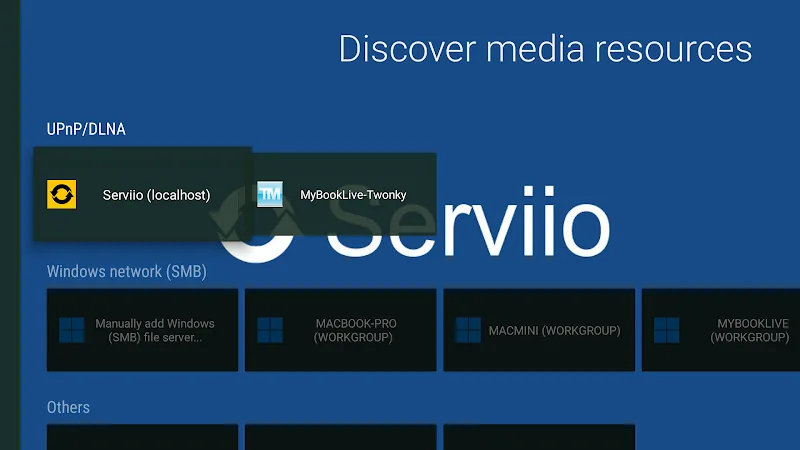
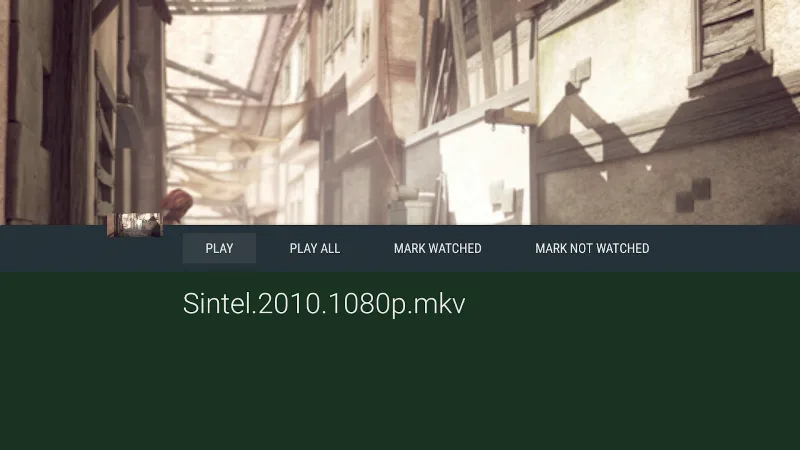
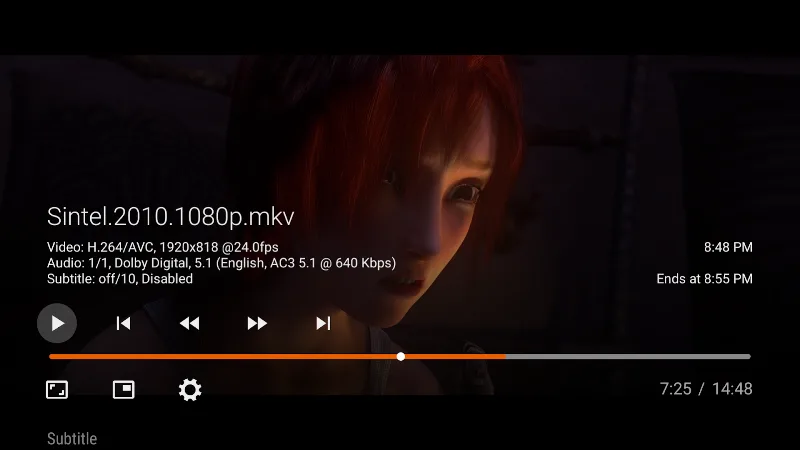
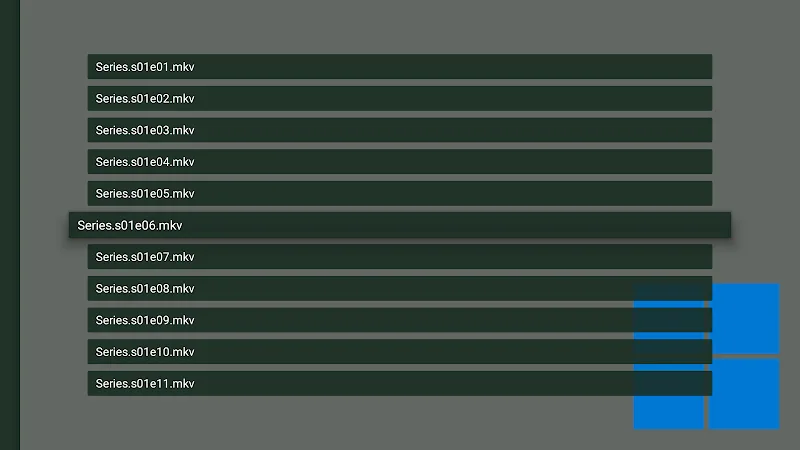
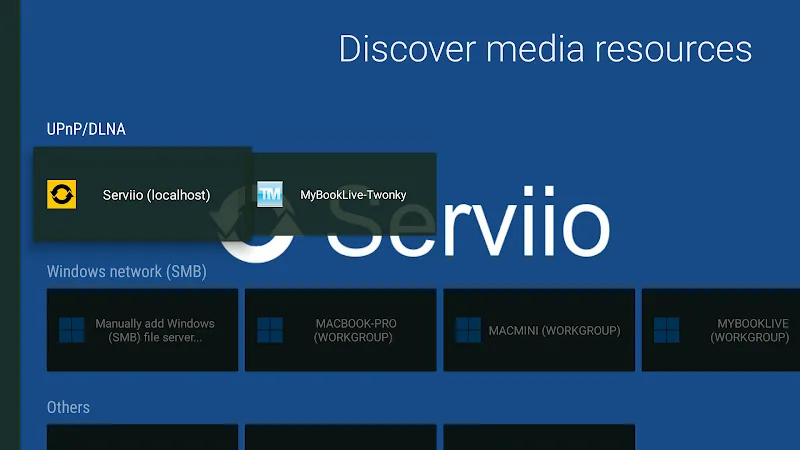
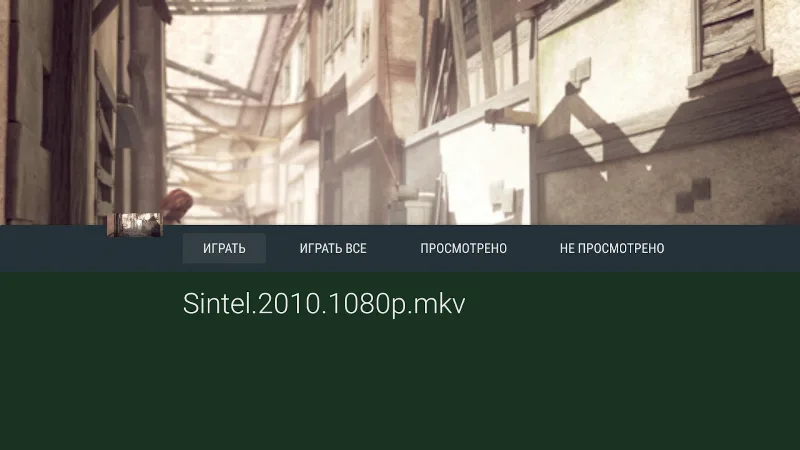
Vimu Media Player for TV Mod is a media playback application designed for Android TV and set-top boxes. It focuses on local file playback and network streaming from SMB, FTP, and UPnP/DLNA sources. The app targets users who need a robust, codec-compatible player for their home media libraries without relying on cloud services.
What This Mod Unlocks
- Premium features unlocked, removing all paywalls and subscription requirements.
- Ads and promotional banners within the app interface are disabled.
- All video and audio codec support is enabled, including those typically behind the premium tier.
- Network streaming capabilities for SMB, FTP, and UPnP are fully accessible.
- Advanced playback controls and subtitle customization options are available.
The modded features are active immediately upon launch of Vimu Media Player for TV Mod. No activation menu or special steps are required. The premium status is applied silently, granting full access to the app's functionality from the first run.
This version of Vimu Media Player for TV Mod requires Android 5.0 or higher. It is optimized for TV interfaces but works on standard Android devices. The installation requires approximately 30-35 MB of storage space. Root access is not required.
Installation Steps
- Download the mod APK file.
- Enable installation from unknown sources in your device's security settings.
- Use a file manager to locate the downloaded APK and initiate installation.
- Launch Vimu Media Player for TV Mod after installation completes.
Known Edge Cases
- Some network drive authentication may still require valid user credentials; the mod does not bypass server-side security.
- If the app's data is cleared, the mod status persists as it is baked into the APK.
- On non-TV Android devices, the interface may appear stretched or require a mouse for optimal navigation.
- Updates from the Google Play Store will overwrite the modded version and remove its benefits.
