

Location: Home > Apps > Tools > Visual aid

Visual Aid (Premium Features Unlocked, Ads Disabled, All Overlay Styles Unlocked, Advanced Customization Unlocked) Download for Android

Visual Aid icon

Visual Aid Premium Features Unlocked, Ads Disabled, All Overlay Styles Unlocked, Advanced Customization Unlocked

5.0
v5.2.2 for Android
Fast Download:Download this app by playmods App with faster speed.

Visual Aid MOD Info MOD Info :
Premium Features Unlocked, Ads Disabled, All Overlay Styles Unlocked, Advanced Customization Unlocked

Screenshots

Description

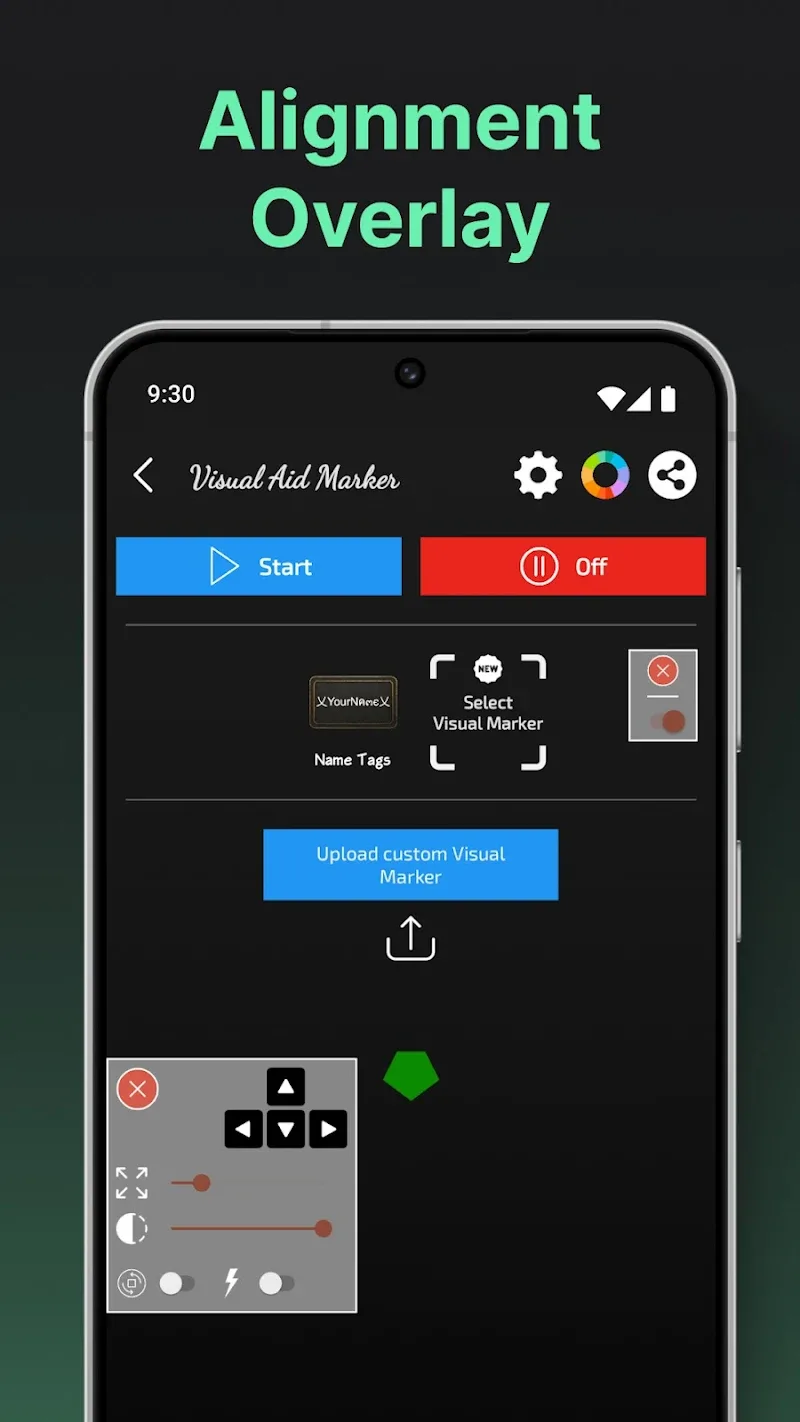
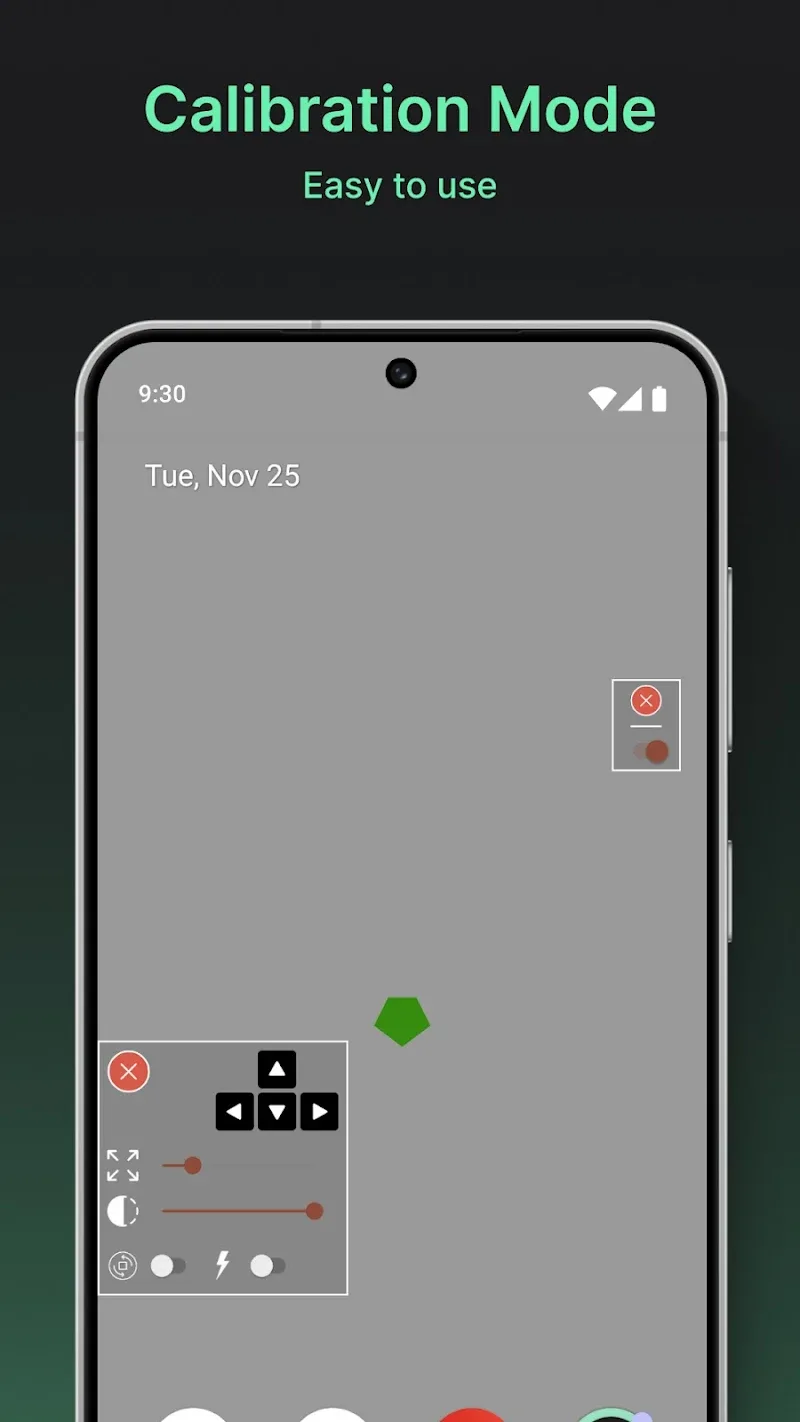
Visual Aid Mod is a utility application that displays a persistent, configurable overlay on the Android screen. It functions as a visual reference tool for alignment, layout consistency, and interface uniformity. The app is designed for users who require precise visual guides for tasks like content creation, UI design, or general screen organization. It operates as a non-intrusive service that can be toggled on or off.

What This Mod Unlocks

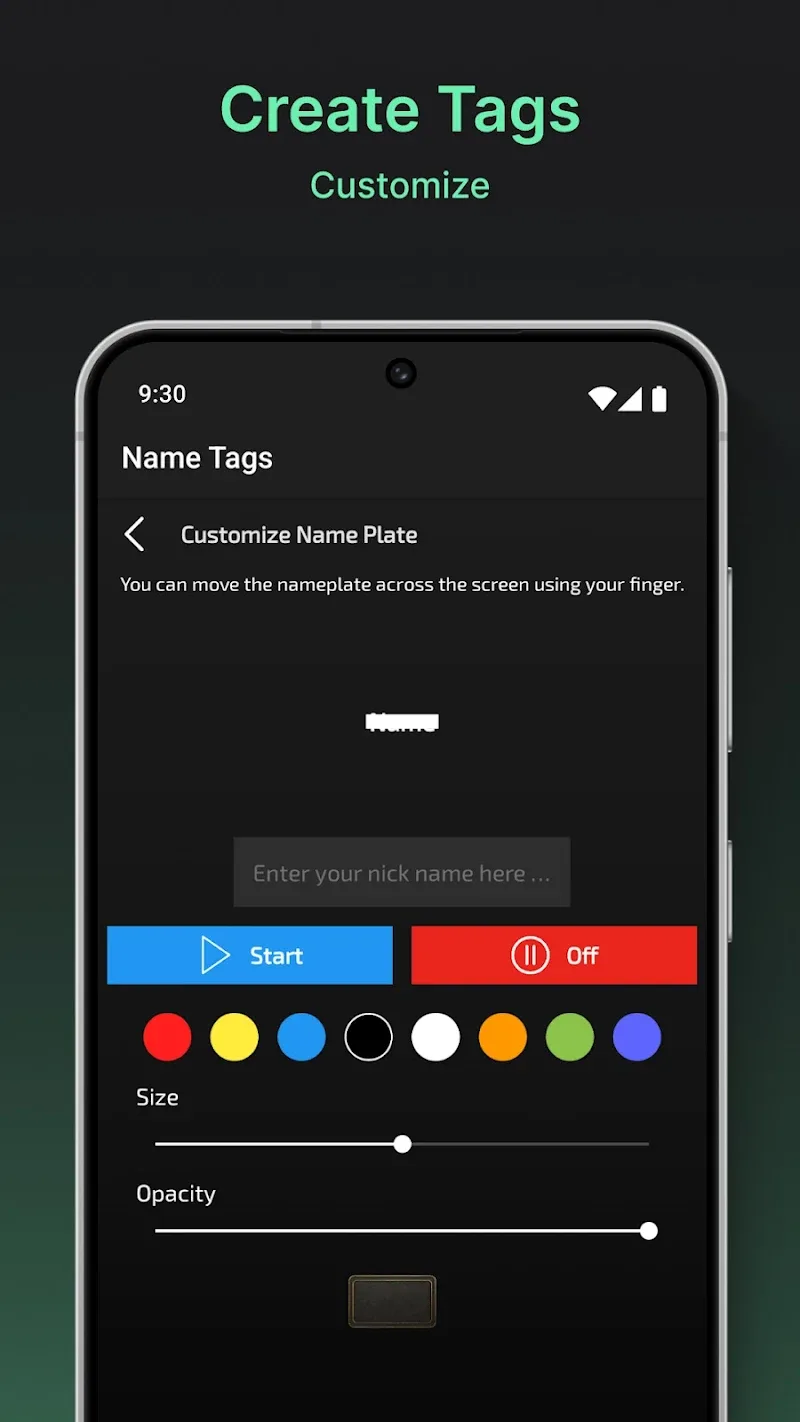
  • Premium features unlocked. All customization options that require payment in the official version are available without restriction.
  • Ads disabled. The application runs without any advertisement interruptions.
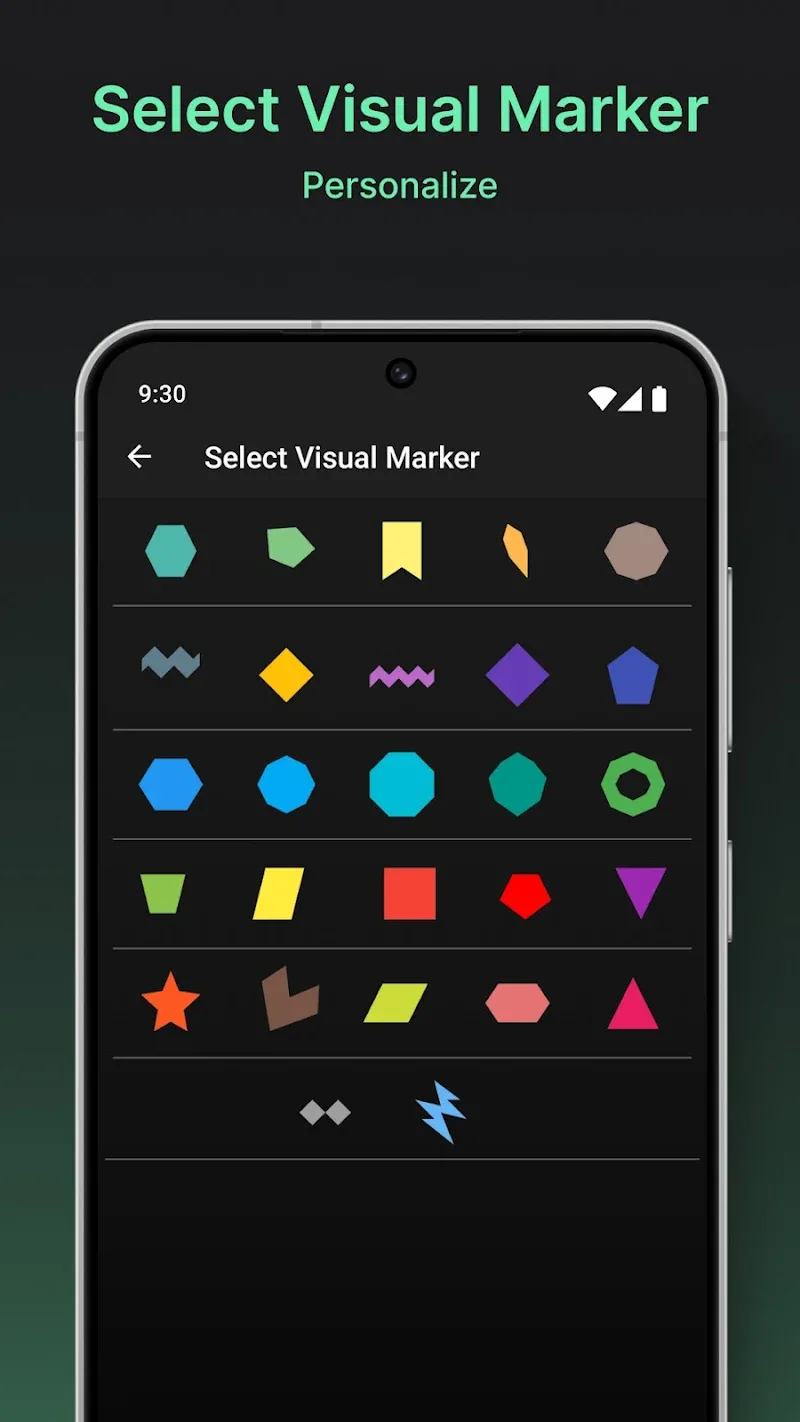
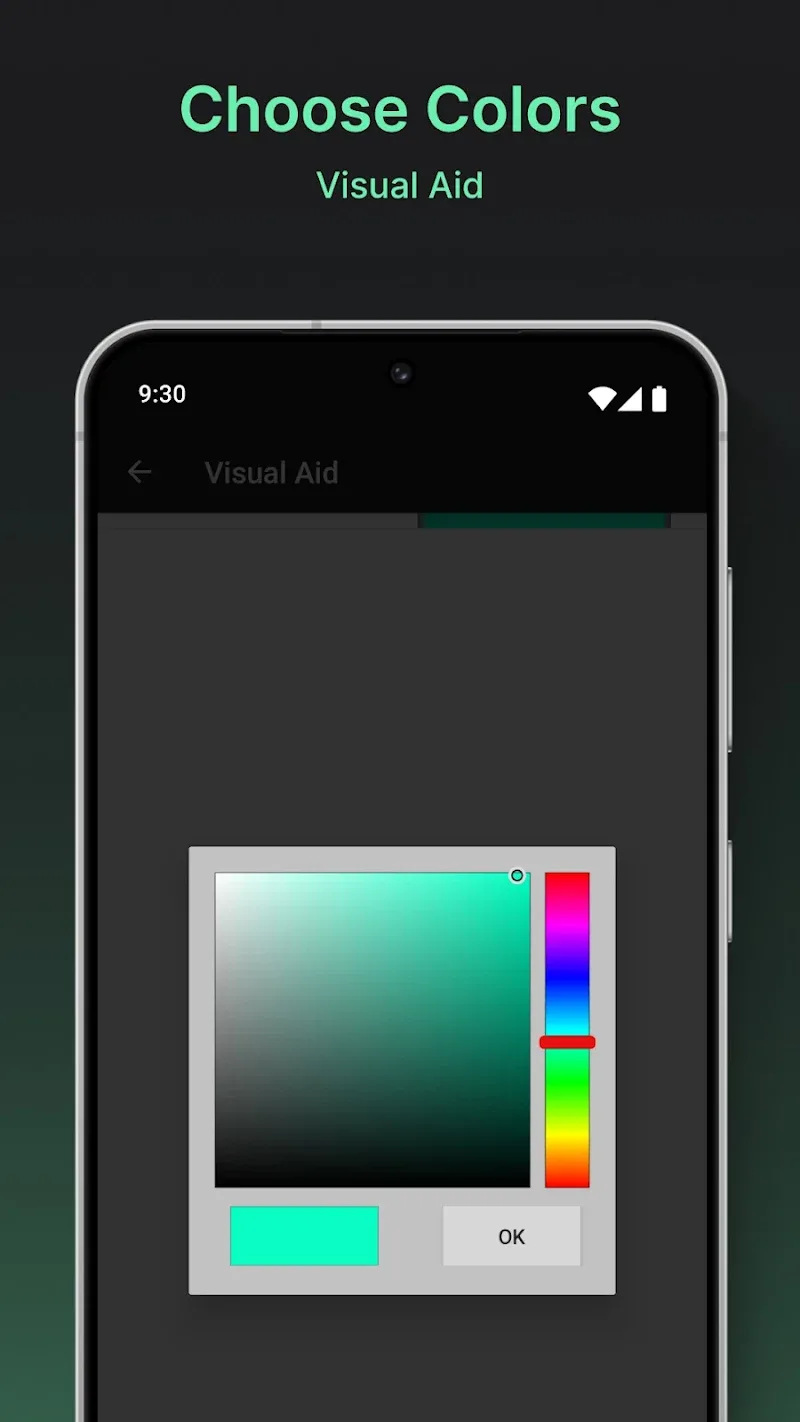
  • All overlay styles and presets are accessible. This includes advanced crosshair designs, grid patterns, and color schemes.
  • Pro-level transparency and thickness sliders are fully functional.

The modded version of Visual Aid Mod loads with all premium features already active. No activation code or in-app purchase simulation is required. The user interface will reflect the unlocked state by displaying all customization options as available, without any "Upgrade" prompts or paywalls.

Android 8.0 or higher is required. The application requires overlay permission to be granted manually after installation. It does not require root access. Storage requirements are minimal, approximately 27 MB as indicated by the APK file size.

Installation follows standard sideloading procedure. Download the mod APK file. Enable installation from unknown sources in Android settings if prompted. Open the downloaded file to initiate the package installer. Complete the installation steps. Launch Visual Aid Mod and grant the necessary overlay permission when requested.

Known edge cases include potential conflicts with other overlay applications or screen recording tools. The overlay may not appear in certain secure screens, such as banking apps or password entry fields, due to Android system restrictions. Clearing the app data will not revert the mod; the premium features remain unlocked. There is no online component, so there is no risk of server-side detection or ban.

Editor's review

The mod for Visual Aid Mod version 5.2.2 delivers the claimed premium unlocks and ad removal on Android 8.0+ devices.

  • Confirmed working: All premium overlay customization tools, including advanced crosshair generators and grid patterns, are fully accessible without payment prompts. The ad network is completely disabled, resulting in a clean interface. The overlay service functions correctly after granting the necessary system permission.
  • Known issues: The initial overlay permission prompt is mandatory for core functionality; denying it renders the app useless. On some devices with aggressive battery optimization, the overlay service may be suspended, requiring manual exclusion of Visual Aid Mod from power-saving lists.

Compatibility is confirmed with the stated Android 8.0+ requirement. The mod is stable for the intended single-user, offline utility purpose.

Functional.

Frequently Asked Questions

Is this Visual Aid mod APK safe to install?

The mod APK requests the same permissions as the official app, primarily the SYSTEM_ALERT_WINDOW permission for the overlay. It does not request dangerous permissions like SMS, call logs, or contacts beyond what is required for the app's core function. It does not require root access on Android 8.0+.

Does Visual Aid mod require root access?

No, root access is not required. The mod functions through a standard sideloading process. You only need to enable "Install from Unknown Sources" for your package installer or browser, then install the downloaded APK file.

How do I install the Visual Aid mod?

1. Download the mod APK file. 2. Open your device's Settings, navigate to Security or Apps, and enable installation from unknown sources for your file manager or browser. 3. Open the downloaded APK file and follow the on-screen installer prompts. 4. Open Visual Aid and grant the overlay permission when asked.

What is the most important feature unlocked by this mod?

The most important unlock is full access to all premium overlay styles and customization tools. In the official version, advanced crosshair designs, color palettes, and grid patterns are locked behind a paywall. The mod removes this restriction, granting immediate access to the complete visual library.

Is there a risk of account ban or data loss when using this mod?

Visual Aid is a purely offline utility tool with no account system or online multiplayer component. Therefore, there is no risk of server-side detection or account ban. Data loss risk is minimal; however, as with any mod, it is advised to not rely on it for critical professional work without backups.

Safety note

Install only APKs matching com.crosshair.crosshairgenerator.crosshairtool.improveshootingaccuracy.aimhelper.shootingassistant.aim at version v5.2.2. Download from official links on this page to reduce tampering risk.

Additional Information

Category: tools Publish Date: Mon, Jan 12, 2026

Scan QR code and download playmods app
Download
PlayMods APP