
Location: Home > Apps > Tools > Widgetopia

Widgetopia (Premium Themes Unlocked, Ads Disabled, Premium Subscription Unlocked) Download for Android

Widgetopia icon

Widgetopia Premium Themes Unlocked, Ads Disabled, Premium Subscription Unlocked

5.0
v2.7.1 for Android
Fast Download:Download this app by playmods App with faster speed.

Widgetopia MOD Info MOD Info :
Premium Themes Unlocked, Ads Disabled, Premium Subscription Unlocked

Screenshots

Description

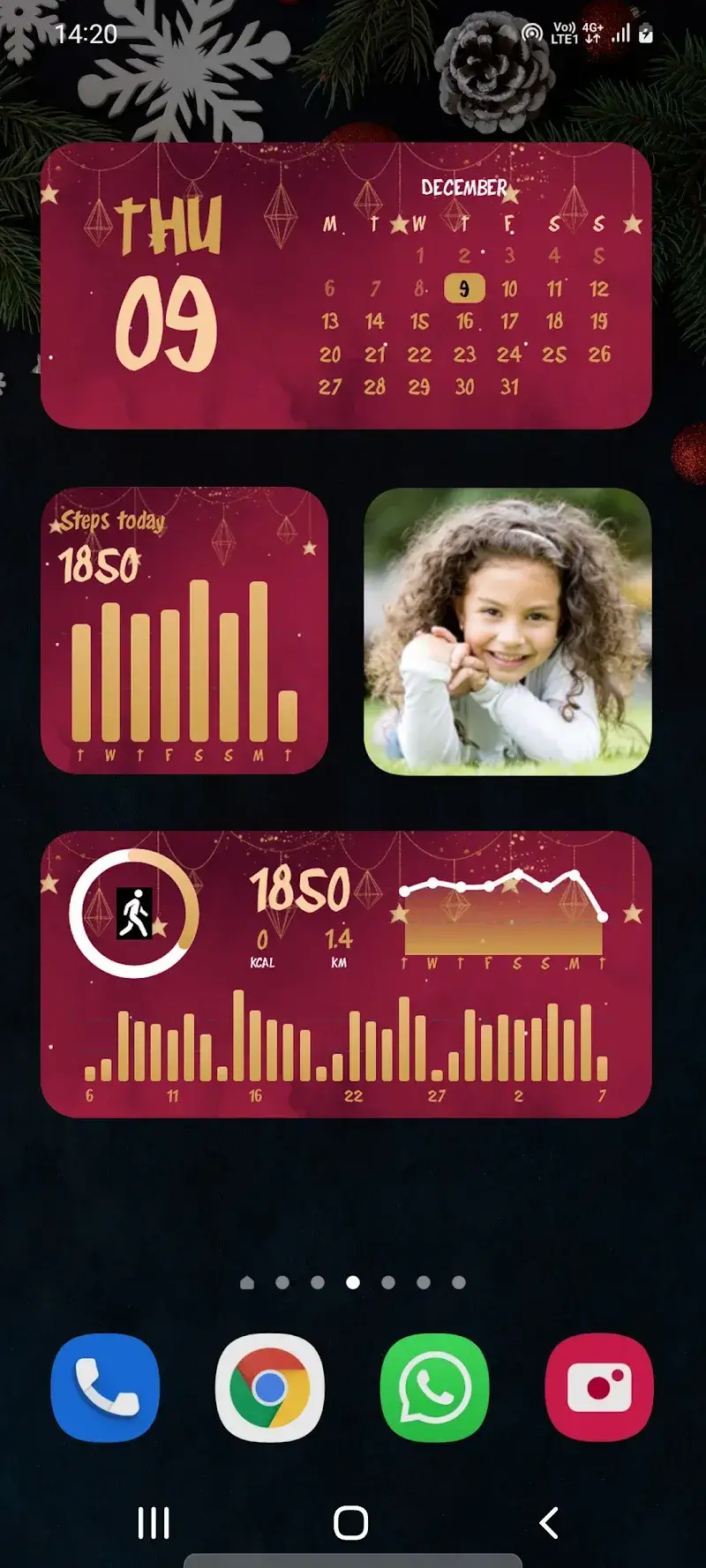
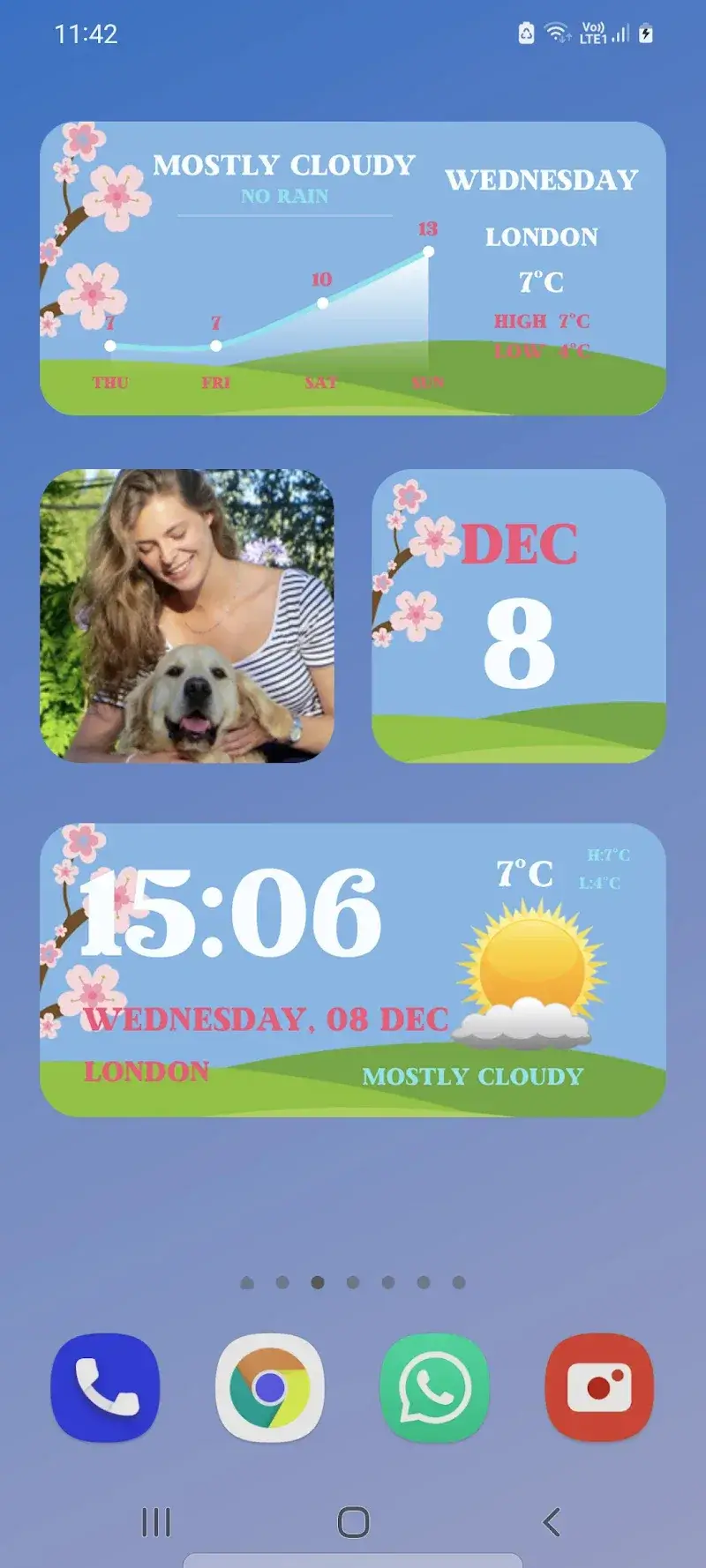
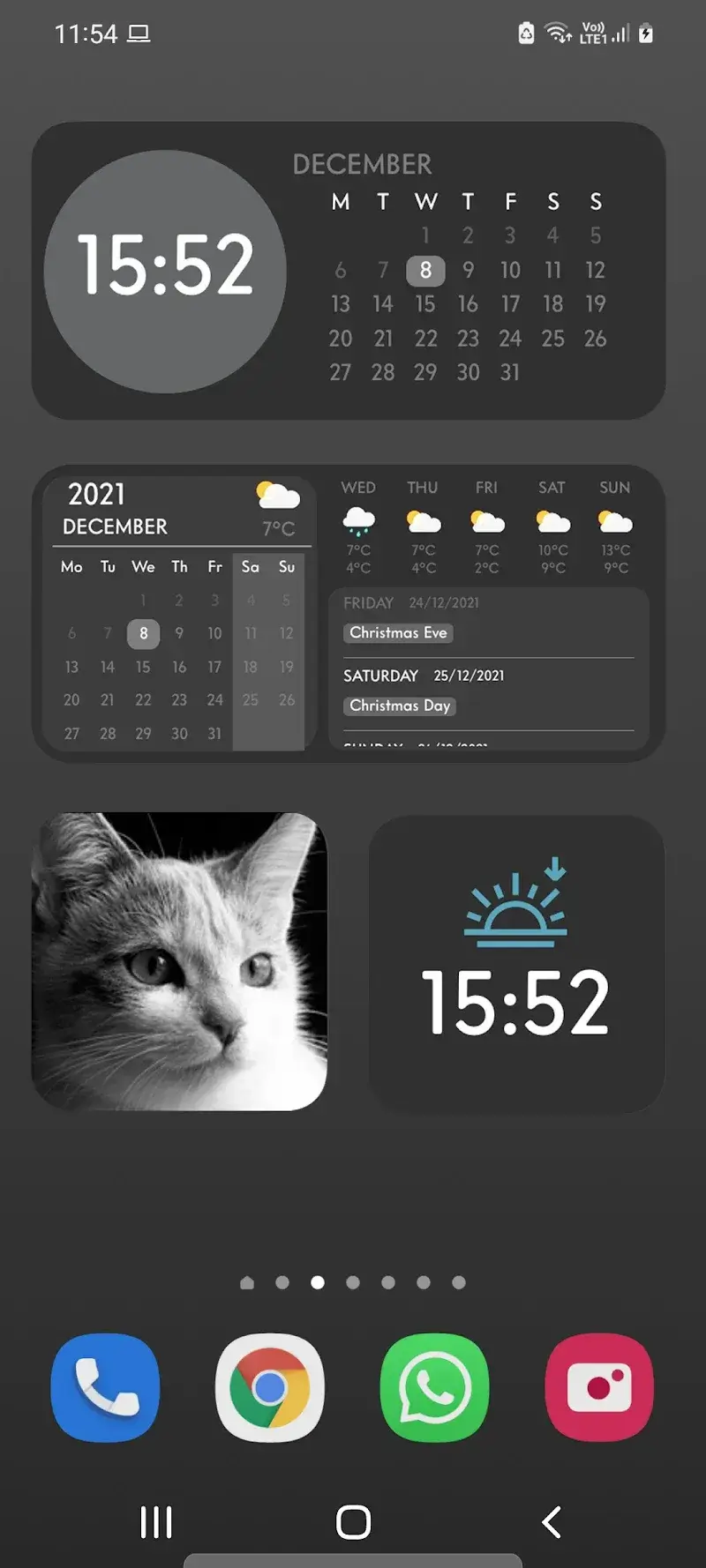
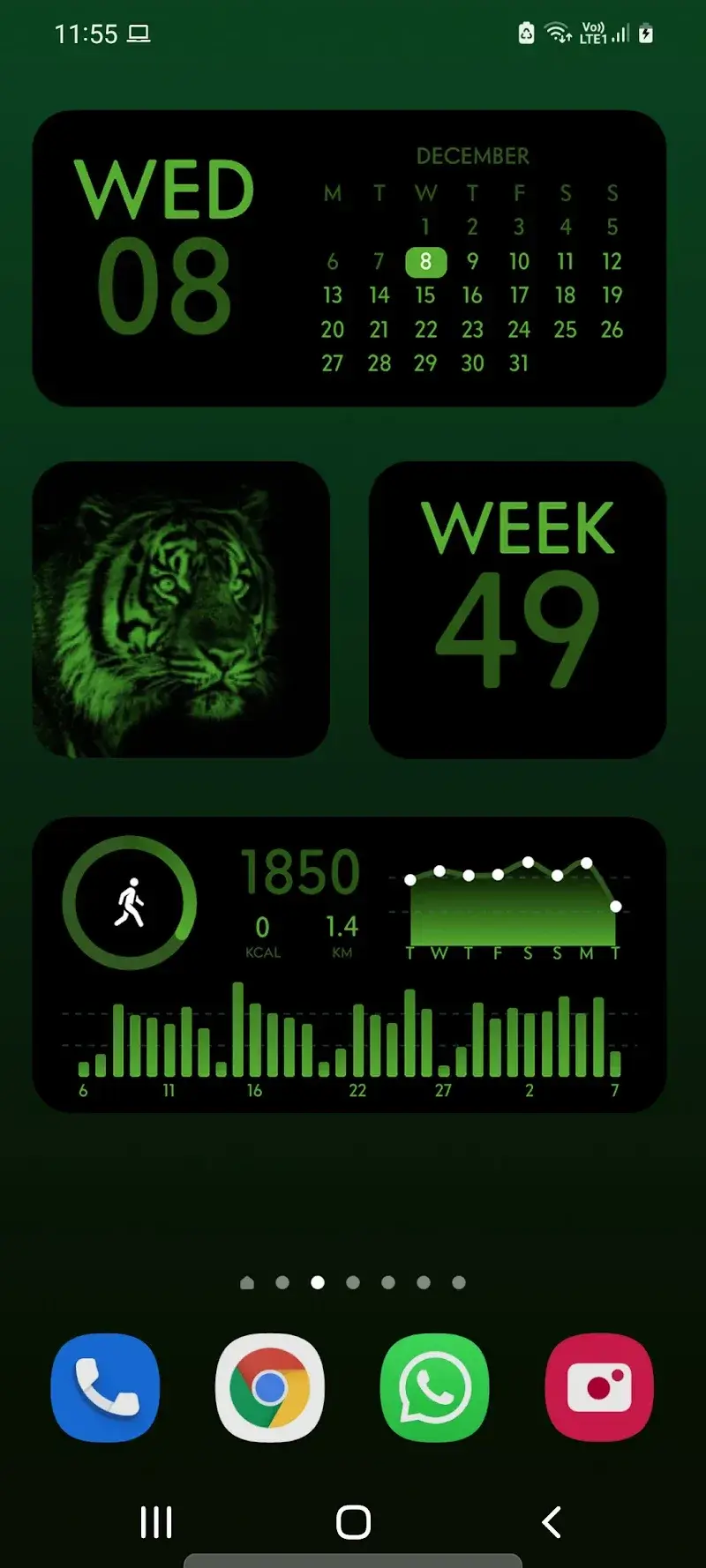
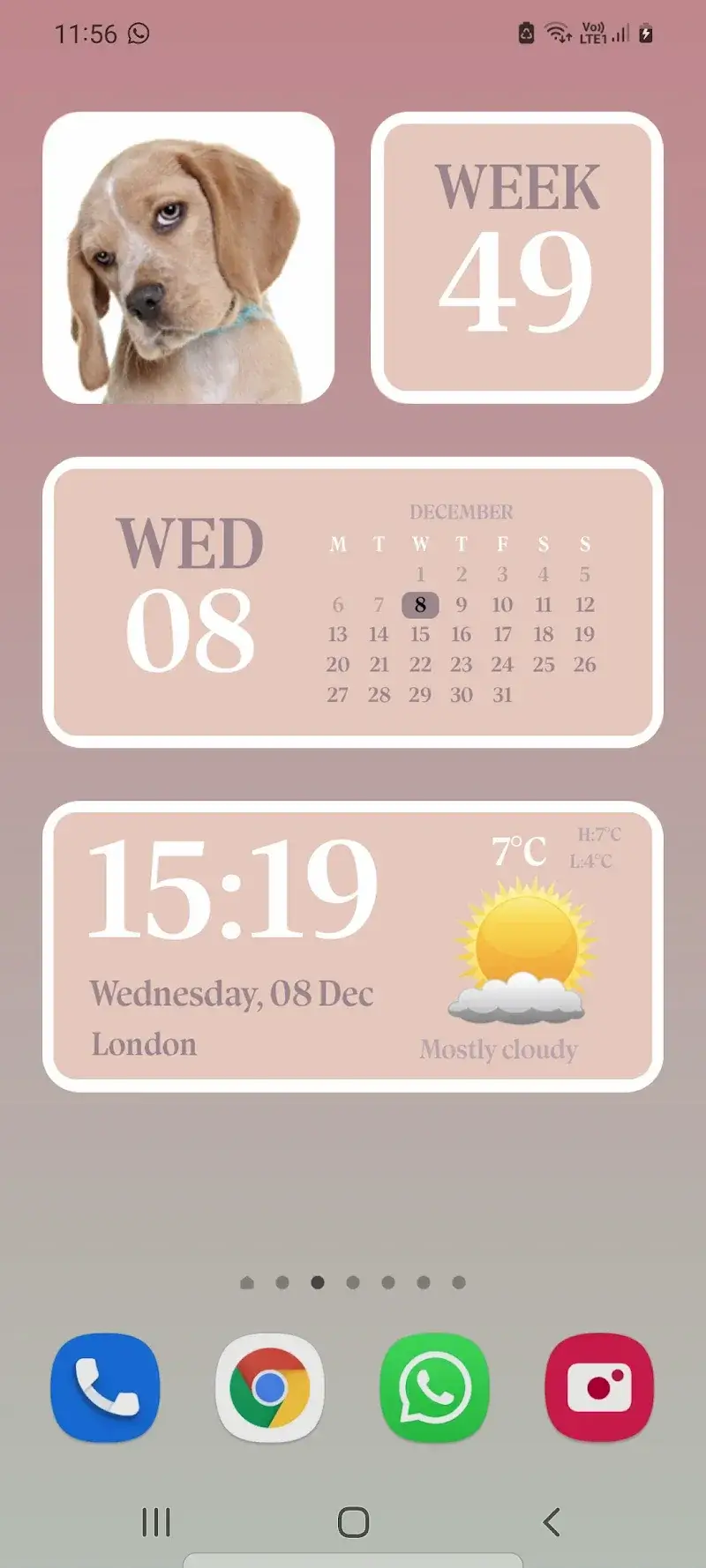
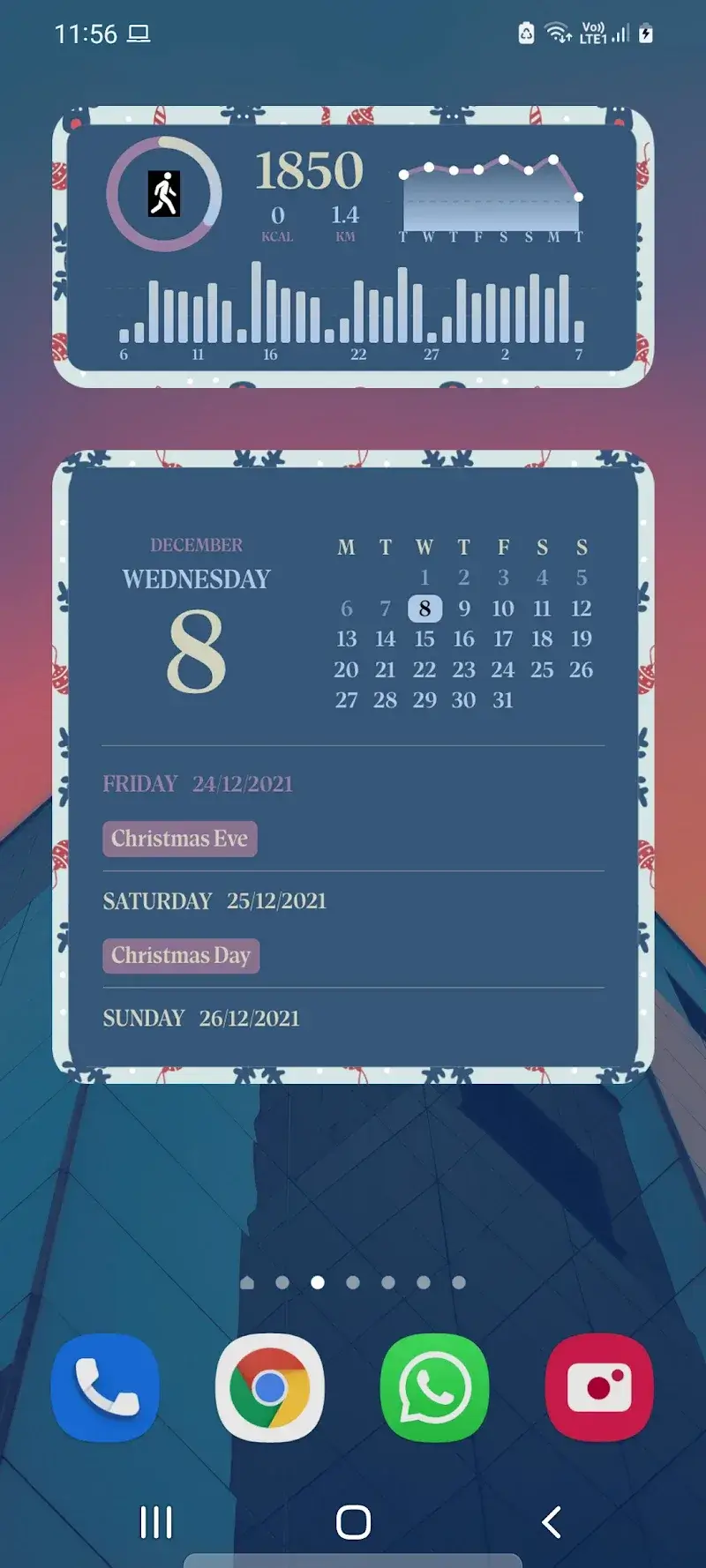
Widgetopia Mod is a utility application for Android that provides a library of home screen widgets and app icons designed to emulate the visual style of iOS. It targets users who want to customize their device's interface without using a custom launcher. The app functions as a widget provider, requiring users to add widgets through the standard Android home screen long-press menu.

What This Mod Unlocks

  • All premium widget themes and icon packs are unlocked and available for use without payment.
  • All in-app advertisements have been removed. Widgets will load without interstitial or banner ads.
  • The premium subscription gate is disabled. Features labeled as 'Premium' or 'Pro' in the official version are freely accessible.

The modded features are active immediately upon launch. No activation code or menu is required. The unlocked premium content appears in the main gallery without purchase prompts.

Widgetopia Mod requires Android 6.0 or higher. The APK file size is approximately 33 MB. Installation requires approximately 100 MB of free storage for widget assets and cache. Root access is not required.

Installation Steps

  1. Download the modded APK file.
  2. Enable installation from unknown sources in your Android settings if prompted.
  3. Open the downloaded file and proceed with the standard installation.
  4. After installation, launch Widgetopia Mod to grant necessary permissions for displaying widgets.
  5. To use a widget, long-press on your home screen, select 'Widgets', and choose a Widgetopia Mod widget from the list.

Known Edge Cases

  • Some widget configurations may reset if the app's cache is cleared from Android settings.
  • Widget updates or new theme downloads from the original developer's server are not guaranteed in the modded version.
  • On devices with aggressive battery optimization, widget refresh intervals may be longer than expected.
  • The mod is designed for version 2.7.1. Using it with a forced update to a newer official version may restore locked features.

Editor's review

The Widgetopia Mod mod for version 2.7.1 delivers the advertised premium unlocks and ad removal as claimed.

  • Confirmed working: All widget themes and icon packs within the app's gallery are accessible without triggering purchase flows. The ad network calls are blocked, resulting in an interface free of banners and video ads.
  • Known issues: The app may display a persistent 'Go Premium' badge in some UI corners, though the functionality is fully unlocked. Widgets relying on dynamic internet data (e.g., certain clock or weather widgets) may fail to fetch data if the original API endpoints change.

Tested on Android 12 and 13. Requires Android 6.0+. The mod is stable for offline use and local widget creation.

Functional.

Frequently Asked Questions

Is this Widgetopia mod APK safe to install?

The mod APK does not request permissions beyond those required by the official Widgetopia app for displaying widgets (like storage access for icons). It does not require access to SMS, call logs, or contacts. No root access is needed on Android 6.0+.

Does the Widgetopia mod require root access?

No. The mod is installed via standard sideloading. You download the APK file, enable installation from unknown sources in your Android security settings, and install it. Root privileges are not required for any feature.

How do I install the Widgetopia mod?

1. Download the APK file. 2. Go to Android Settings > Security and enable 'Install from unknown sources' for your file manager or browser. 3. Open the downloaded file and tap 'Install'. 4. After installation, launch Widgetopia and follow the on-screen setup.

What is the most important feature unlocked by this mod?

The primary unlock is access to all premium widget themes and icon packs. In the official version, these are behind a paywall or subscription. The mod removes this restriction, allowing free selection and application of any design in the gallery.

Is there a risk of account ban or data loss when using this mod?

Widgetopia is primarily an offline tool for local device customization. There is minimal risk of account ban as there is no user account system or server authentication for theme access. The main risk is potential data loss if you clear the app's data, which may reset your widget configurations.

Safety note

Install only APKs matching slide.widgetFrenzy at version v2.7.1. Download from official links on this page to reduce tampering risk.

Additional Information

Category: tools Publish Date: Tue, Nov 18, 2025

Scan QR code and download playmods app
Download
PlayMods APP