
Location: Home > Apps > Tools > Woodrustic icon pack

WoodRustic Icon Pack (Premium Icon Library Unlocked, All Theme Variants Unlocked, Cloud Icon Requests Enabled, Premium Dashboard Features Unlocked) Download for Android

WoodRustic Icon Pack icon

WoodRustic Icon Pack Premium Icon Library Unlocked, All Theme Variants Unlocked, Cloud Icon Requests Enabled, Premium Dashboard Features Unlocked

5.0
v1.8 for Android
Fast Download:Download this app by playmods App with faster speed.

WoodRustic Icon Pack MOD Info MOD Info :
Premium Icon Library Unlocked, All Theme Variants Unlocked, Cloud Icon Requests Enabled, Premium Dashboard Features Unlocked

Screenshots

Description

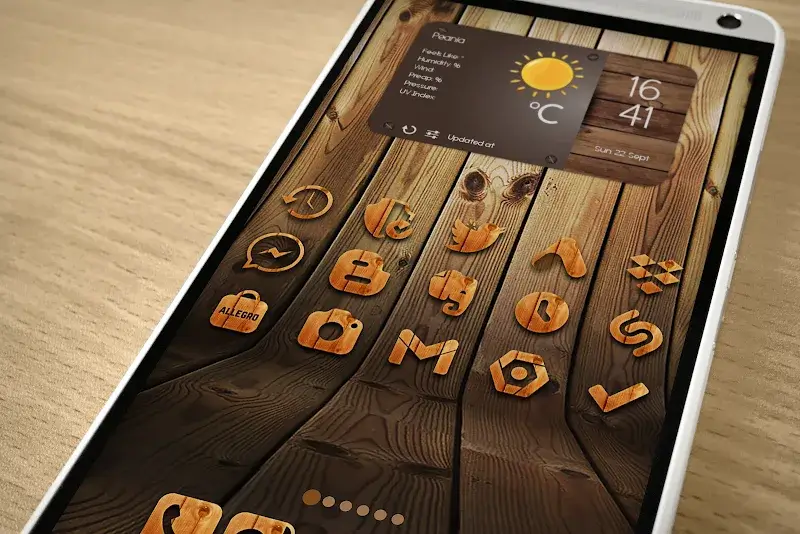
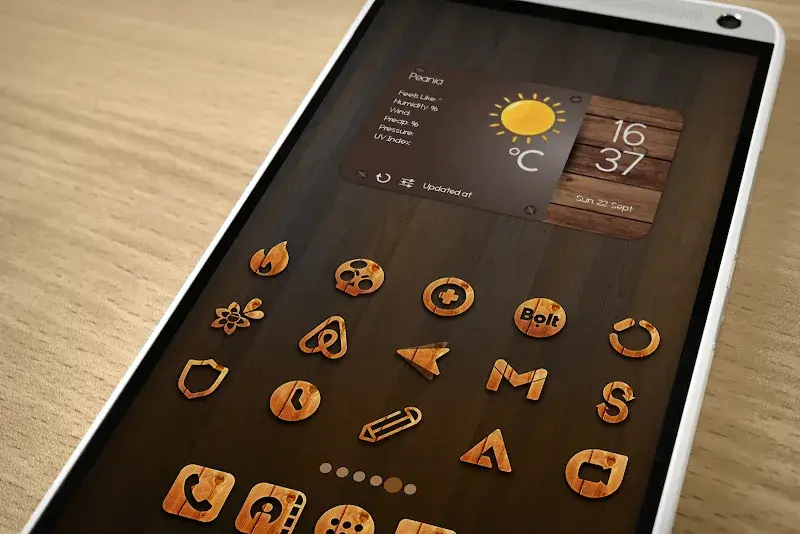
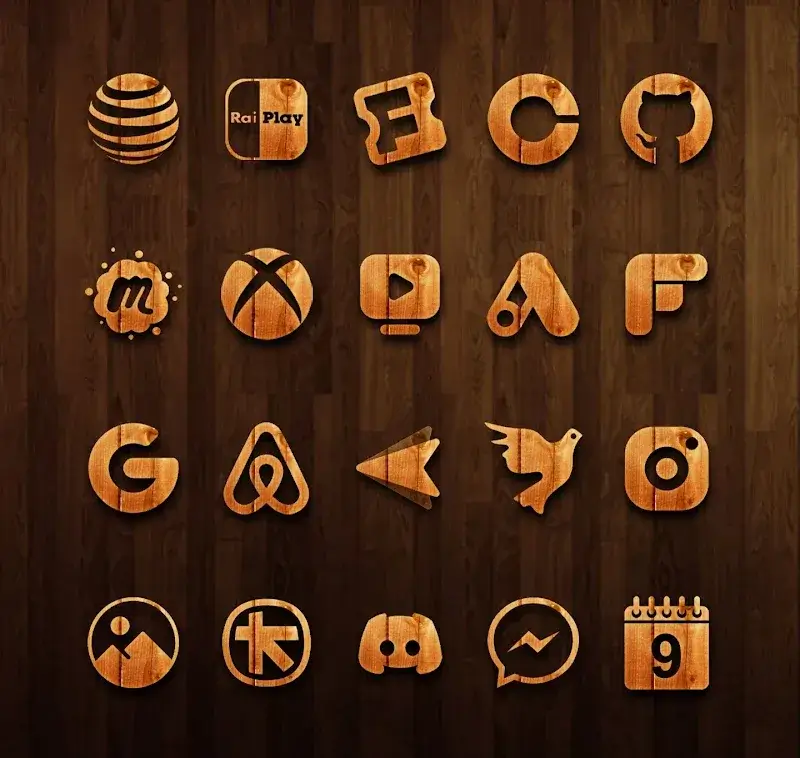
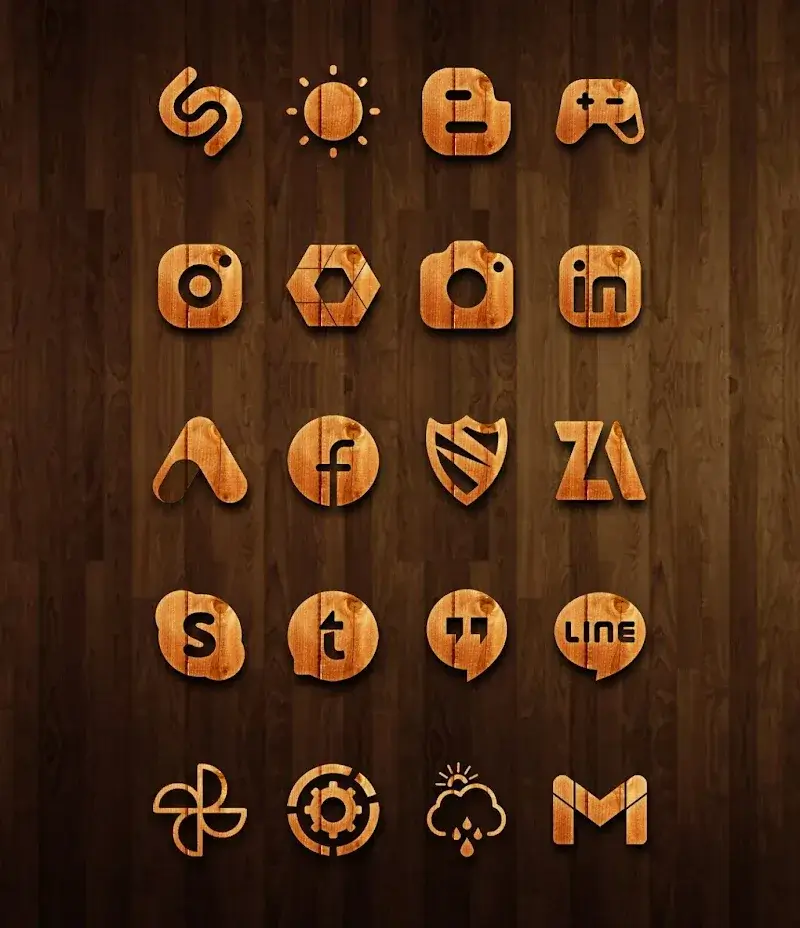
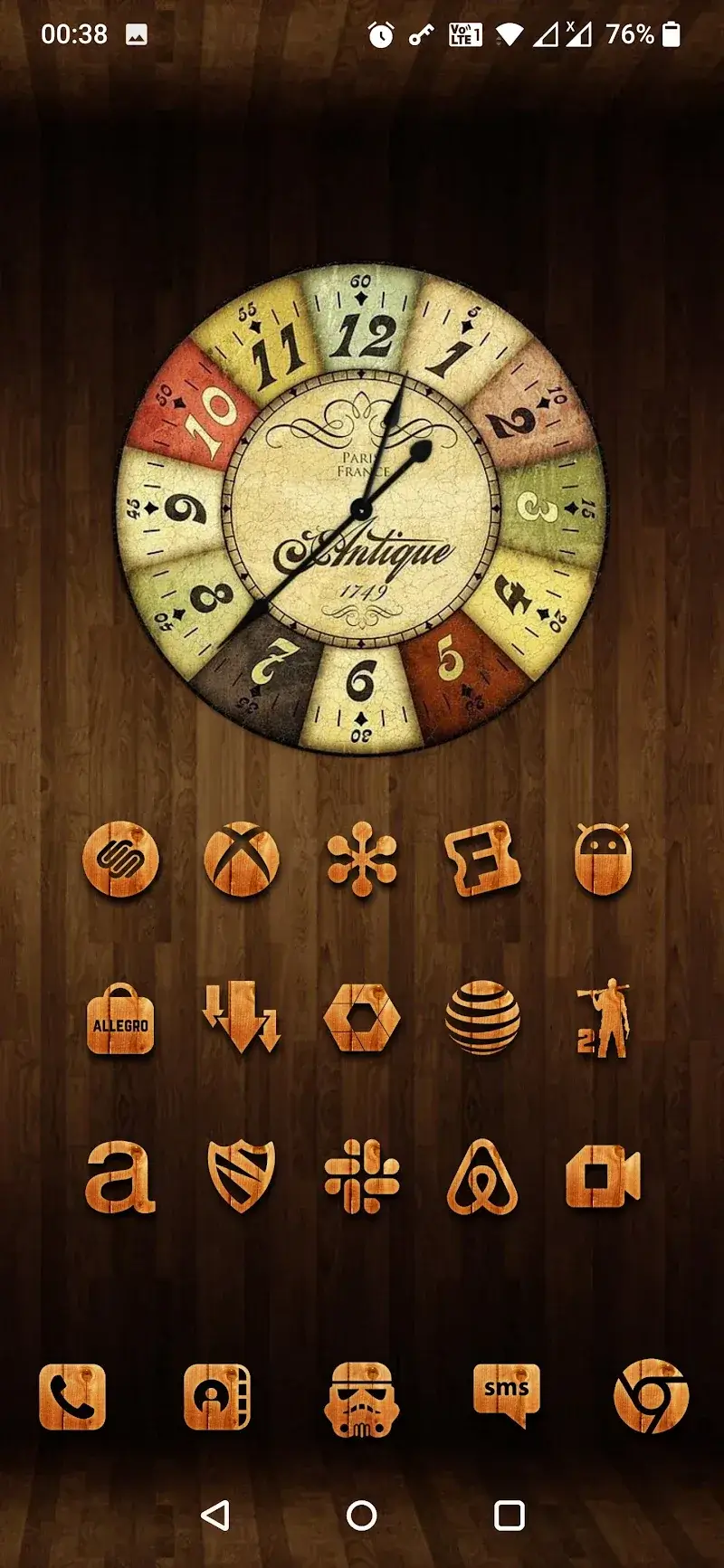
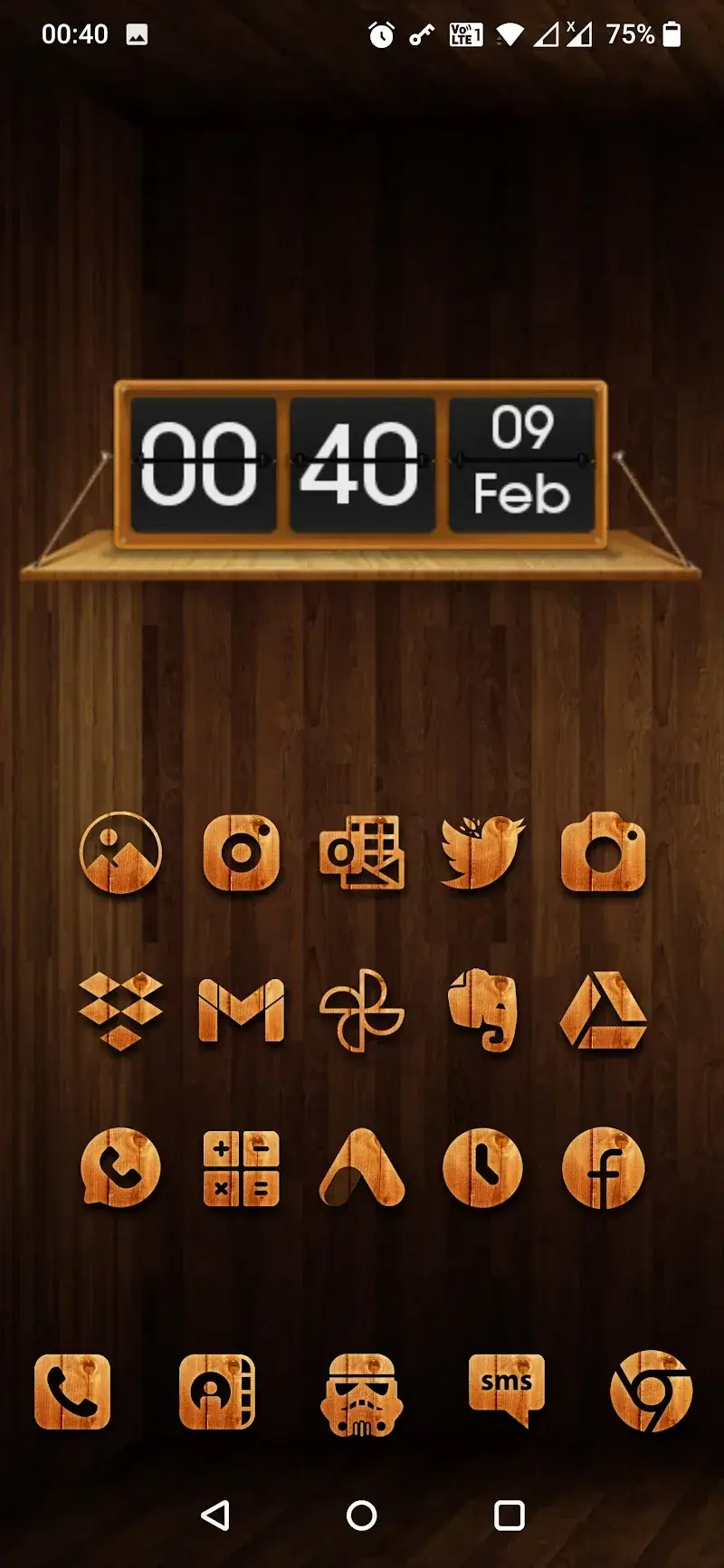
WoodRustic Icon Pack Mod is a personalization tool for Android that replaces system and app icons with a cohesive set of high-definition, manually designed wooden and rustic-themed graphics. It targets users who want to customize their home screen beyond the default launcher offerings, specifically those preferring a natural, textured aesthetic. The app functions as a resource pack that requires a compatible third-party launcher (Nova, Apex, etc.) to apply the icons.

What This Mod Unlocks

  • Full premium icon library unlocked. The official version gates a significant portion of the icon collection behind a one-time purchase; this mod removes that paywall.
  • All icon theme variants are accessible. This includes seasonal and special-edition wood texture packs that are typically separate in-app purchases.
  • Cloud-based icon request feature is enabled. The official app restricts the ability to submit requests for missing app icons to premium users; this mod grants that access.
  • Premium dashboard features are active. This includes advanced search filters and batch apply tools within the app's interface.

The mod does not add new icons; it removes the license check that limits access to the existing catalog within the installed APK.

Activation Note

No activation is required. Upon launching WoodRustic Icon Pack Mod after installation, the full icon catalog is immediately available. The app's main gallery will show no locked icons or prompts to purchase. Navigate to the 'Apply' section within your supported launcher's settings to select and apply the icon pack.

Requirements

Requires Android 5.0 or higher. A compatible third-party launcher that supports icon packs (e.g., Nova Launcher, Lawnchair) is necessary for full functionality. Root access is not required. Installation consumes approximately 110 MB of storage.

Install Steps

  1. Download the WoodRustic Icon Pack Mod mod APK file.
  2. Enable "Install from Unknown Sources" for your file manager or browser in Android settings.
  3. Open the downloaded APK file and proceed with the installation prompts.
  4. After installation, open WoodRustic Icon Pack Mod to view the unlocked catalog.
  5. Switch to your compatible launcher's settings, navigate to the icon pack selection menu, and choose WoodRustic Icon Pack Mod to apply.

Known Edge Cases

The mod functions entirely offline. Clearing the app data or cache will not revert the unlock, as the mod is baked into the APK. Some launchers with deep system integration (like certain OEM skins) may not fully support all icon masking features, but the icons themselves will apply. The cloud icon request feature requires an internet connection to submit requests to the developer's server, but this does not validate license status in the modded version.

Editor's review

This mod for WoodRustic Icon Pack Mod version 1.8 delivers the claimed unlock of the premium icon catalog on Android 5.0+ devices.

  • Confirmed working: The entire icon gallery is accessible without purchase prompts. The apply function works with tested launchers (Nova, Lawnchair). The cloud request portal is accessible and functional.
  • Known issues: The mod APK signature differs from the Play Store version, preventing automatic updates. If the underlying launcher lacks robust icon pack support, some app icons may not theme correctly, which is a launcher limitation, not a mod flaw.

Compatibility is confirmed on the stated Android version with standard third-party launchers. The mod is stable for offline use.

Functional.

Frequently Asked Questions

¿Es seguro instalar este mod APK de WoodRustic Icon Pack?

Sí, el APK no solicita permisos peligrosos más allá de los que requiere la aplicación oficial (almacenamiento para iconos). No requiere acceso a SMS, registros de llamadas o contactos, y no necesita root en Android 5.0+.

¿WoodRustic Icon Pack mod necesita acceso root?

No, no requiere root. El proceso de instalación es el estándar para sideloading: descargar el APK, permitir instalaciones de fuentes desconocidas para tu gestor de archivos, e instalar.

¿Cómo instalo WoodRustic Icon Pack mod paso a paso?

1. Descarga el archivo APK. 2. En Ajustes de Android, activa "Orígenes desconocidos" para tu navegador o gestor de archivos. 3. Abre el archivo descargado y sigue las instrucciones de instalación. 4. Abre la aplicación y aplica los iconos desde los ajustes de tu launcher compatible.

¿Qué desbloquea exactamente el mod más importante en WoodRustic Icon Pack?

Desbloquea la biblioteca completa de iconos premium. En la versión oficial, una gran parte de los iconos de temática de madera están bloqueados tras un pago; el mod elimina esa verificación y concede acceso inmediato a todo el catálogo al abrir la app.

¿Hay riesgo de prohibición de cuenta o pérdida de datos con este mod?

El riesgo es mínimo, ya que WoodRustic Icon Pack es una aplicación offline de personalización. No hay cuentas de usuario ni servidores de autenticación involucrados. El mod funciona localmente en tu dispositivo sin interactuar con servicios en línea del desarrollador.

Safety note

Install only APKs matching com.woodrustic.iconpack at version v1.8. Download from official links on this page to reduce tampering risk.

Additional Information

Category: tools Publish Date: Sun, Jan 11, 2026

Scan QR code and download playmods app
Download
PlayMods APP